

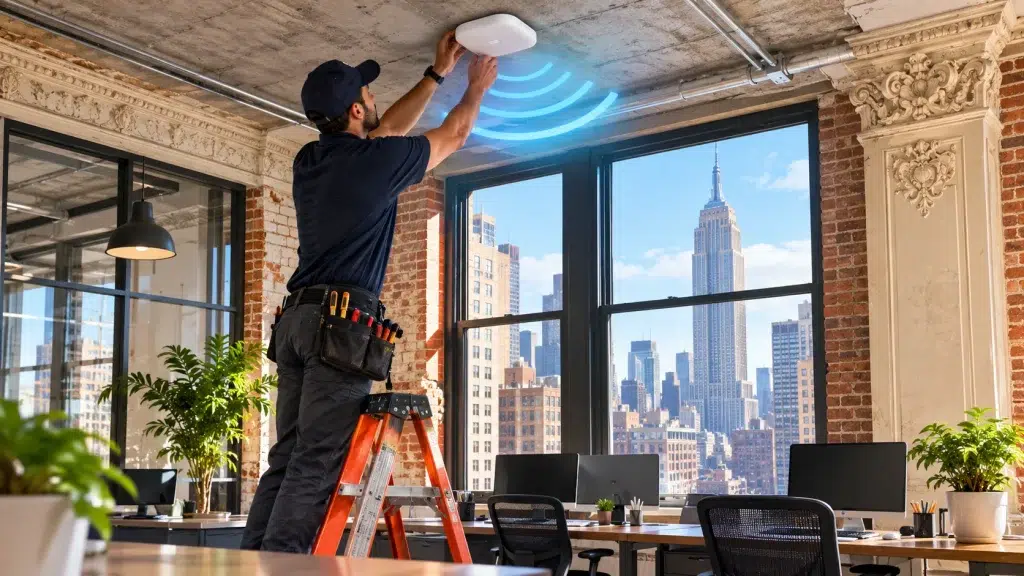
You moved into a beautiful prewar office. High ceilings, big windows, original moldings. Then you set up the WiFi, and half the rooms barely get a signal. Sound familiar? Getting good WiFi in an old building with thick walls is one of the most common problems we see in Manhattan. The building is working against you, and a new router alone won’t fix it.
A big share of Manhattan’s offices sit in buildings put up long before anyone thought about wireless. So this guide covers the WiFi side of the problem: why the signal dies, where to put access points, and how a survey takes the guesswork out. If you want the wiring side, our post on structured cabling in historic NYC buildings covers that part.
What’s Actually Inside Those Walls
Modern offices use drywall, which WiFi passes through fairly easily. Prewar buildings are a different story. Many walls are plaster laid over metal lath, a mesh of thin metal strips. That mesh reflects and absorbs radio signals. In practice, a single plaster wall can do more damage than three or four drywall partitions.
Then there’s the masonry. Brick party walls, terracotta block, and thick stone around stairwells all soak up signal. Older lofts add their own quirks, like pressed-tin ceilings and cast-iron columns, which bounce WiFi around unpredictably. As a result, WiFi problems in a masonry building rarely look the same from one room to the next.
Concrete Slabs and Floor-to-Floor Problems
Walls are only half of it. Many old buildings were rebuilt with heavy concrete floors, often with steel inside. Those slabs block almost everything. So if your office covers two floors, an access point upstairs won’t help the floor below. Each floor needs its own coverage.
The same thing happens in older apartment and condo buildings, which we cover in our post on WiFi in concrete apartment buildings. Elevator shafts and old freight lifts make it worse, since they’re big metal boxes running right through the middle of the floor plan.
Faster WiFi Bands Have a Harder Time
Here’s a catch most people don’t expect. The newer, faster WiFi bands struggle more with thick walls. The 5 GHz and 6 GHz bands carry far more data than 2.4 GHz, but they lose strength faster when they hit plaster or brick. That means the speed you paid for can disappear one wall away from the access point.
The answer isn’t to fall back to the slow band. Instead, you bring the access points closer to the people using them. A prewar building WiFi setup works best with more access points running at lower power. Each one covers a smaller area well, rather than one loud unit trying to shout through every wall.
Where to Put Access Points in an Old Office Building
In a modern open office, a few access points in the ceiling can cover everything. In an old office building network, that approach fails. The most common mistake is lining the hallway with access points. It looks tidy, but the signal has to cross a plaster wall to reach every office. So the rooms get weak WiFi while the hallway gets great coverage nobody uses.
It’s usually better to put access points inside the rooms where people work. Conference rooms and large offices often deserve their own unit. We also avoid mesh systems that rely on wireless links between units, since those links get blocked by the same walls. Wired access points stay fast, and running that cable neatly is what our Manhattan network installation team handles every day.
Why a Site Survey Comes First
You can’t plan WiFi for an old building from a floor plan. Two walls that look the same on paper might block signal very differently, depending on what’s inside them. That’s why we always start with a survey. We measure how the signal actually moves through your space, room by room.
The survey shows exactly where each access point should go and how many you really need. Without it, you’re guessing, and guessing in a prewar building usually means paying twice. Our wireless site survey in NYC is built for buildings like these. Once the data is in, the design almost writes itself.
FAQs About WiFi in Old Buildings With Thick Walls
Why is my WiFi so bad in a prewar building?
Plaster over metal lath, brick, and concrete floors all block WiFi much more than drywall does. The signal weakens with every wall it crosses. That’s why one router rarely covers an old office.
Will a stronger router fix it?
Usually not. Turning up the power doesn’t get through plaster and brick. More access points, placed inside the rooms, work far better.
Does mesh WiFi work in old buildings?
Mesh units talk to each other wirelessly, and thick walls block those links too. Wired access points are much more reliable in prewar spaces.
Do I need a site survey?
In an old building, yes. Walls that look identical can behave very differently. A survey shows exactly where access points belong, so you don’t buy more gear than you need.
Final Thoughts
Old Manhattan buildings have character, and you don’t have to give that up for good WiFi. You just have to work with the building instead of against it. Measure first, put access points where people actually sit, and wire them properly. Do that, and a hundred-year-old office can feel as connected as a brand-new tower.
Book a Site Survey for Your Prewar Office
Thick walls killing your WiFi? We’ll survey your Manhattan office room by room and show you exactly where access points need to go.
Call: 833-469-6373 or 516-606-3774
Text: 516-606-3774 or 772-200-2600
Email: hello@unifinerds.com | Visit: unifinerds.com
Free consultations • Phased implementation • Budget-friendly • Expert support