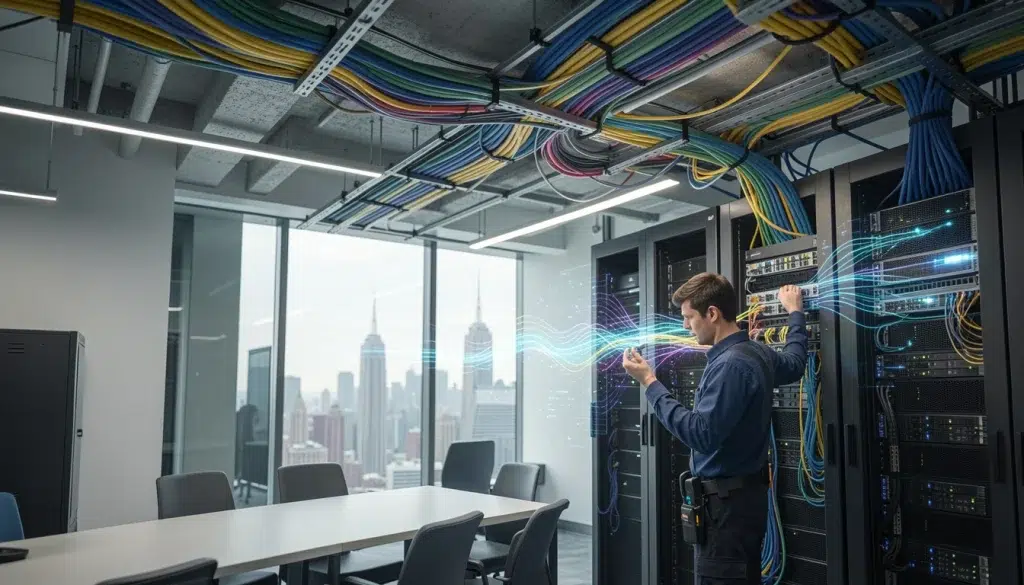
Cat6 vs Cat6A for NYC Offices: Which Cabling Standard Should You Choose?
You’re upgrading an office, building out a new suite, or taking over a floor in Manhattan. Then the cabling question hits fast: should you run Cat6 or Cat6A? In NYC, that decision is rarely just about speed. It affects cost, conduit space, installation time, and how long the cabling will stay usable. This guide breaks down Cat6 vs Cat6A NYC in plain language, with real-world tradeoffs for ethernet cabling NYC, practical office cabling standards, and how to plan future proof network cabling without wasting budget.
This is written for NYC building owners, property managers, IT directors, network engineers, MSPs, integrators, co-working operators, and businesses planning office network upgrades or new installations.
First: what Cat6 and Cat6A actually change in an office network
Both Cat6 and Cat6A are twisted-pair copper cabling used for Ethernet. However, they are not the same when you look at 10Gbps support, noise resistance, and long-term flexibility.
Simple comparison (what most NYC offices care about)
- Cat6: great for 1Gbps everywhere, and can support 10Gbps on shorter runs in the right conditions.
- Cat6A: designed for 10Gbps over the full standard copper channel distance, with better resistance to interference.
Real-world scenario: A 50-person office moves into a pre-wired NYC suite. The cabling is Cat6, and everything works fine at 1Gbps. Two years later, they add a NAS for large media files and want 10Gbps to key workstations. Some runs can do it, but others cannot due to distance and noise. If the walls are closed and the pathways are tight, upgrading later becomes expensive.
Expert Insight: In NYC, “future-proofing” is less about chasing the newest spec and more about avoiding rework. If you think you will need 10Gbps to desks, conference rooms, or IDF uplinks, Cat6A is often cheaper than opening walls later.
Cat6 vs Cat6A NYC: performance and 10Gbps support
Most NYC offices still run 1Gbps to desks, and that is fine for email, SaaS apps, and VoIP. However, modern workflows are pushing more traffic locally and over WiFi backhaul.
When 1Gbps is usually enough
- General office productivity (Google Workspace, Microsoft 365)
- VoIP phones and video meetings
- Standard printing and scanning
- Typical POS and business applications
When 10Gbps becomes realistic in offices
- Large file workflows (media, architecture, engineering)
- Local servers or high-performance NAS
- High-density WiFi deployments where AP uplinks matter
- Growing security camera systems and NVR traffic
- Multi-tenant or co-working environments with heavy usage
Therefore, the right answer depends on where you need 10Gbps and how hard it will be to upgrade later.
Ethernet cabling NYC realities: pathways, risers, and building constraints
NYC cabling projects are often limited by the building, not the technology. In addition, older buildings can have tight conduits, crowded risers, and strict rules around penetrations and firestopping.
Common NYC constraints that affect Cat6A decisions
- Conduit fill: Cat6A is typically thicker, so it can reduce how many cables fit.
- Long pulls and tight bends: heavier cable can be harder to install cleanly.
- Shared pathways: risers and sleeves may already be congested.
- After-hours work: many buildings require night or weekend schedules.
- Firestopping and compliance: penetrations must be sealed correctly.
Real-world scenario: A co-working space wants Cat6A everywhere, but the existing conduit paths from the IDF to the open office area are already near capacity. The practical solution is Cat6A for key drops and uplinks, and Cat6 for standard desks, while planning extra pathways for future expansion.
Office cabling standards: what “good” looks like (regardless of Cat6 or Cat6A)
Choosing the cable category is only part of the job. The installation quality decides whether you actually get the performance you paid for.
Baseline standards and practices to follow
- Structured cabling standards (ANSI/TIA): consistent termination, labeling, and performance expectations.
- NEC and local code requirements: plenum vs riser ratings where required, proper pathways, and safe installation practices.
- Documentation: cable IDs, patch panel maps, and as-built diagrams.
Quality checklist for NYC office cabling projects
- Use patch panels and proper cable management in the rack.
- Label both ends of every run with a consistent naming standard.
- Keep bend radius and pull tension within spec (especially for Cat6A).
- Separate data from power where required and avoid noisy pathways.
- Test every run and keep results in your turnover package.
Tips: How to get “future proof network cabling” without overspending
- Run Cat6A for uplinks, WiFi APs, and high-value workstations first.
- Use Cat6 for low-risk drops if pathways are tight and budgets matter.
- Spend extra on documentation and testing. It pays back every time you troubleshoot.
Future proof network cabling: where Cat6A usually wins in NYC offices
If you want to future-proof, focus on the drops that are hardest to rework. Therefore, prioritize Cat6A where change is expensive or performance demands are likely to grow.
Areas where Cat6A is often the smarter long-term choice
- IDF/MDF uplinks: between closets, switches, and core equipment.
- WiFi access point drops: especially in high-density offices and conference areas.
- Conference rooms: video conferencing, wireless presentation, and high client density.
- Media and engineering teams: large local file transfers.
- Security camera head-end: NVR, storage, and aggregation points.
Where Cat6 is still a strong choice (and often the right one)
Cat6 is not “bad.” In many offices, it is the practical choice. In addition, if your network edge is 1Gbps and your workflows are cloud-first, Cat6 can be the best value.
Cat6 is often enough for
- Standard desk drops for typical office users
- Printers and basic peripherals
- Small offices with limited local file traffic
- Buildouts where conduit space is limited and you need more runs
Common mistakes when choosing Cat6 vs Cat6A in NYC
Common Mistakes: Cat6 vs Cat6A NYC decisions
Choosing Cat6A everywhere without checking pathways. If conduit fill becomes the bottleneck, you may end up with fewer drops or messy installs.
Choosing Cat6 everywhere without a growth plan. If you later need 10Gbps to APs, uplinks, or key workstations, upgrades can be disruptive and expensive.
Ignoring testing and documentation. A “Cat6A” label does not matter if terminations are poor and results are not verified.
Best practices: a simple decision framework for NYC offices
Use this framework to make a decision that holds up for years.
- Step 1: Identify where you will need 10Gbps in the next 36 months (uplinks, APs, key teams).
- Step 2: Review building pathways (conduit fill, risers, sleeves, ceiling space).
- Step 3: Decide a “hybrid” plan if needed (Cat6A where it matters most).
- Step 4: Standardize labeling, patching, and documentation.
- Step 5: Test every run and keep results for turnover and support.
Expert Insight: The biggest ROI in structured cabling is not the cable category. It is the ability to troubleshoot quickly and expand safely. Clean labeling, proper patching, and test documentation reduce downtime and support costs for years.
FAQ: Cat6 vs Cat6A for NYC offices
Is Cat6A worth it for an NYC office?
It is worth it when you expect 10Gbps needs, high-density WiFi, or expensive rework later. Cat6A is often a smart choice for uplinks, access points, and conference rooms. For standard desks, Cat6 can still be a strong value.
Can Cat6 support 10Gbps in an office?
Sometimes, yes, on shorter runs and in good conditions. However, performance depends on distance, interference, and installation quality. If you need reliable 10Gbps across typical office run lengths, Cat6A is the safer choice.
Does Cat6A cost a lot more to install in NYC?
It can cost more due to thicker cable, harder pulls, and pathway constraints. In NYC, labor and building rules often drive cost more than the cable itself. That is why a hybrid design is common.
Should I run Cat6A to WiFi access points?
Often, yes, especially in modern offices with high client density. AP drops are hard to rework later, and they benefit from stronger cabling and cleaner PoE delivery.
What matters more than Cat6 vs Cat6A?
Installation quality. Proper termination, bend radius, labeling, testing, and documentation decide whether your cabling performs reliably. A poorly installed Cat6A run can perform worse than a well-installed Cat6 run.
Conclusion: choose the cabling standard that matches your NYC office reality
The right Cat6 vs Cat6A NYC decision depends on your performance goals, building pathways, and how expensive future changes will be. Cat6 is often perfect for standard desk drops. Cat6A is often the smarter long-term choice for uplinks, WiFi access points, conference rooms, and teams that need fast local transfers. If you plan the buildout with good documentation and testing, your ethernet cabling NYC project will support your office for years without constant rework.
Need Help Choosing Cat6 vs Cat6A for Your NYC Office Buildout?
We’ll review your floor plan, pathways, and performance goals, then design a cabling plan that supports today’s needs and tomorrow’s upgrades—without wasting budget.
Call: 833-469-6373 or 516-606-3774
Text: 516-606-3774 or 772-200-2600
Email: hello@unifinerds.com | Visit: unifinerds.com
Free consultations • Phased implementation • Budget-friendly • Expert support