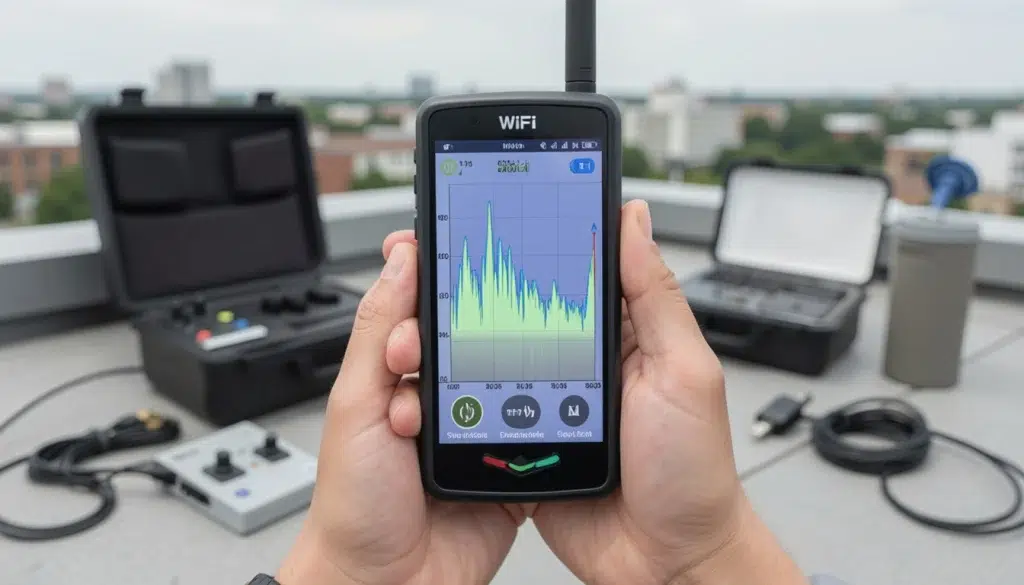
WiFi Site Survey Guide: Predictive vs Passive vs Active (Which One You Need?)
You’re planning a new WiFi deployment or fixing an existing one, and someone says, “We need a wifi site survey.” Then the next question hits: predictive, passive, or active? If you pick the wrong type of wireless site survey, you can end up with a beautiful wifi heat map that still doesn’t match real performance. Therefore, this guide breaks down the three survey types—predictive wifi survey, passive, and active wifi survey—so you can choose the right approach for offices, retail, warehouses, hospitality, and enterprise spaces.
The goal is simple: reduce guesswork, avoid common planning mistakes, and build WiFi that delivers reliable coverage, speed, and roaming where people actually work.
Quick definitions: predictive vs passive vs active WiFi site survey
All three survey types answer different questions. The confusion usually happens when teams expect one survey type to do the job of another.
Predictive WiFi survey (model-based)
A predictive survey uses a floor plan and a software model to estimate coverage and capacity before hardware is installed.
Passive wireless site survey (listen-only)
A passive survey measures what’s already happening in the air: existing SSIDs, signal levels, noise, and channel usage. It does not require connecting to a network.
Active WiFi survey (connect and test)
An active survey connects to a specific SSID and measures real performance like throughput, latency, and roaming behavior.
Expert Insight: A “WiFi heat map” is not a guarantee of user experience. Heat maps are useful, but performance problems often come from roaming, uplink limitations, interference spikes, or capacity issues that only show up with the right survey method and the right test workflow.
When you need a predictive WiFi survey (and what it’s best at)
A predictive wifi survey is the best starting point when you’re designing from scratch or when you can’t spend much time on-site. It’s also useful for budgeting and AP count estimates.
Use predictive surveys when:
- You’re building a new office, retail space, or warehouse and APs are not installed yet.
- You need an initial design for AP placement, channel planning, and rough capacity.
- You’re comparing design options (AP models, mounting heights, directional vs omni).
- You have limited access to the site (construction schedule, tenant restrictions).
What a predictive survey can tell you
- Estimated coverage areas based on wall types and layout assumptions
- Likely AP count and placement zones
- Early channel reuse planning (especially important in multi-AP environments)
- High-risk areas (dense walls, long aisles, high ceilings)
What a predictive survey cannot guarantee
- Real interference sources (neighbor networks, machinery, microwave links)
- Actual noise floor changes during business hours
- Client device behavior (roaming aggressiveness, antenna quality)
- Real throughput and latency in production conditions
Real-world example: A retail chain plans a new store. Predictive modeling shows strong coverage everywhere. After opening, the POS tablets lag near the stockroom door. The model didn’t account for a noisy neighboring network and a metal shelving layout that changed after the floor plan was finalized.
Tips: How to make a predictive WiFi survey more accurate
- Use the most current floor plan and confirm wall materials (drywall vs concrete vs glass).
- Model realistic mounting height and antenna pattern (don’t assume perfect placement).
- Plan for capacity, not just coverage, in conference rooms, lobbies, and staging areas.
When you need a passive wireless site survey (and what it reveals)
A passive wireless site survey is your “RF reality check.” It shows what’s already in the air, which matters a lot in offices, hospitality, and dense retail areas where neighboring WiFi can be the main problem.
Use passive surveys when:
- You’re troubleshooting an existing network with complaints like “WiFi is slow” or “it drops.”
- You suspect interference, channel overlap, or high utilization.
- You need to understand the RF environment before redesigning.
- You’re inheriting a site with unknown AP placement and unknown settings.
What passive surveys measure
- Signal strength distribution (RSSI) from existing APs
- Noise floor and signal-to-noise ratio (SNR)
- Channel utilization and channel overlap patterns
- Neighbor SSIDs and co-channel interference risk
Real-world example: A hotel reports “WiFi is fine in the morning but terrible at night.” A passive survey during peak hours shows channel utilization spikes and heavy co-channel contention from neighboring networks and guest devices. The fix is not “more power.” It’s better channel planning, right-sized cells, and capacity-focused AP placement.
Common Mistakes: Why passive WiFi heat maps get misread
Teams often treat a passive wifi heat map as a performance map. However, passive surveys mainly show RF conditions. You can have strong signal and still have poor performance due to congestion, retries, or roaming problems. Passive data is critical, but it must be paired with the right interpretation and, when needed, active testing.
When you need an active WiFi survey (and what it proves)
An active wifi survey is the closest thing to a “user experience test” because it connects to the network and measures what clients actually feel. It’s the best choice when you need to validate performance, not just coverage.
Use active surveys when:
- You need to validate throughput, latency, and stability for business applications.
- You’re tuning roaming behavior across multiple APs.
- You’re deploying voice, video, POS, scanners, or real-time apps.
- You’ve already done predictive/passive work and need proof before sign-off.
What active surveys can measure
- Throughput (up/down) in real locations
- Latency and jitter (important for voice/video and real-time apps)
- Roaming performance during movement (handoff timing and stability)
- Retry rates and real-world “stickiness” behavior
Real-world example: A warehouse has “full bars” everywhere, but scanners time out at aisle ends. An active survey with a scanner-like device profile reveals roaming delays and uplink retries at the transition points. The fix is adjusting AP placement and power to control overlap, not adding random APs.
Expert Insight: For roaming validation, you must test with active traffic while moving. Idle roaming tests can look “fine” because the client delays roaming decisions when it’s not actively sending/receiving. In addition, test at real device height (handheld, cart, forklift) because height changes multipath and obstruction patterns.
Choosing the right WiFi site survey: a simple decision framework
Most sites don’t need “only one” survey type. They need the right sequence based on the project stage and risk.
If you’re building new WiFi (no APs installed yet)
- Start with a predictive wifi survey to design and budget.
- After installation, run an active wifi survey to validate performance.
If you’re troubleshooting an existing network
- Start with a passive wifi site survey to understand RF and interference.
- Then run an active wifi survey in problem zones to confirm performance issues.
If you’re expanding or remodeling a space
- Use predictive modeling for the new layout.
- Use passive/active validation after changes, especially near new walls or racking.
Step-by-step best practices for accurate WiFi surveys
These steps reduce the “looks good on paper” problem and help you deliver predictable outcomes.
Step 1: Define the business outcome (not just signal targets)
- What apps must work everywhere (POS, WMS, VoIP, guest)?
- Where are the high-risk zones (docks, conference rooms, lobbies, aisles)?
- What does success look like (stable roaming, low latency, consistent performance)?
Step 2: Survey at the right time
- Test during normal business hours when possible.
- In warehouses, test during active operations to capture real RF and capacity load.
- In hospitality, test during peak guest usage windows.
Step 3: Use the right client devices
- Don’t rely only on a laptop if the business uses scanners, tablets, or VoIP handsets.
- Match the test device to the workflow (barcode scan paths, POS zones, voice routes).
- Validate both downlink and uplink behavior where possible.
Step 4: Document findings in a way that supports action
- Record exact locations of failures (aisle, room, dock door number).
- Note time of day, device model, SSID, and test workflow.
- Capture patterns (only at aisle ends, only near elevators, only during peak hours).
Common mistakes when choosing predictive vs passive vs active
Common Mistakes: What leads to poor planning and weak performance
Using predictive only and skipping validation. Models are estimates. Real environments change.
Assuming a WiFi heat map equals speed. Strong signal can still be congested or unstable.
Testing when the building is quiet. You miss real interference and capacity problems.
Testing with the wrong device. Laptops often hide issues that handhelds experience.
Fixing everything with more AP power. This can increase interference and worsen roaming.
FAQ: WiFi site survey types and choosing the right one
What is a WiFi site survey?
A wifi site survey is a structured process for measuring and planning wireless coverage and performance. It helps you place APs correctly, reduce interference, and validate real user experience.
What’s the difference between predictive vs passive vs active WiFi surveys?
Predictive models coverage using a floor plan. Passive measures RF conditions without connecting. Active connects to the network and tests real performance like throughput and roaming.
Is a WiFi heat map enough to plan a network?
A wifi heat map is useful, but it’s not always enough. Heat maps can show strong signal while performance is poor due to congestion, retries, or roaming issues. Therefore, active validation is often needed for business-critical networks.
When should I use an active WiFi survey?
Use an active wifi survey when you need proof of performance—especially for voice/video, POS, scanners, and high-density spaces. It’s also the best way to validate roaming during movement.
Can I start with a predictive WiFi survey for a new build?
Yes. A predictive wifi survey is a strong starting point for new builds. However, you should validate after installation with active testing to confirm real-world performance.
Conclusion: choose the survey type that matches the risk
Predictive, passive, and active surveys are not competing options. They’re different tools for different stages. If you’re designing from scratch, predictive gets you started fast. If you’re troubleshooting, passive shows what’s happening in the air. If you need proof of performance, active testing confirms what users will experience.
When you match the survey type to the problem, you avoid guesswork and build WiFi that stays reliable under real conditions.
Not Sure Which WiFi Site Survey You Need?
We’ll help you choose the right survey type, validate real performance, and turn the results into a clear plan for reliable coverage and roaming.
Call: 833-469-6373 or 516-606-3774
Text: 516-606-3774 or 772-200-2600
Email: hello@unifinerds.com | Visit: unifinerds.com
Free consultations • Phased implementation • Budget-friendly • Expert support