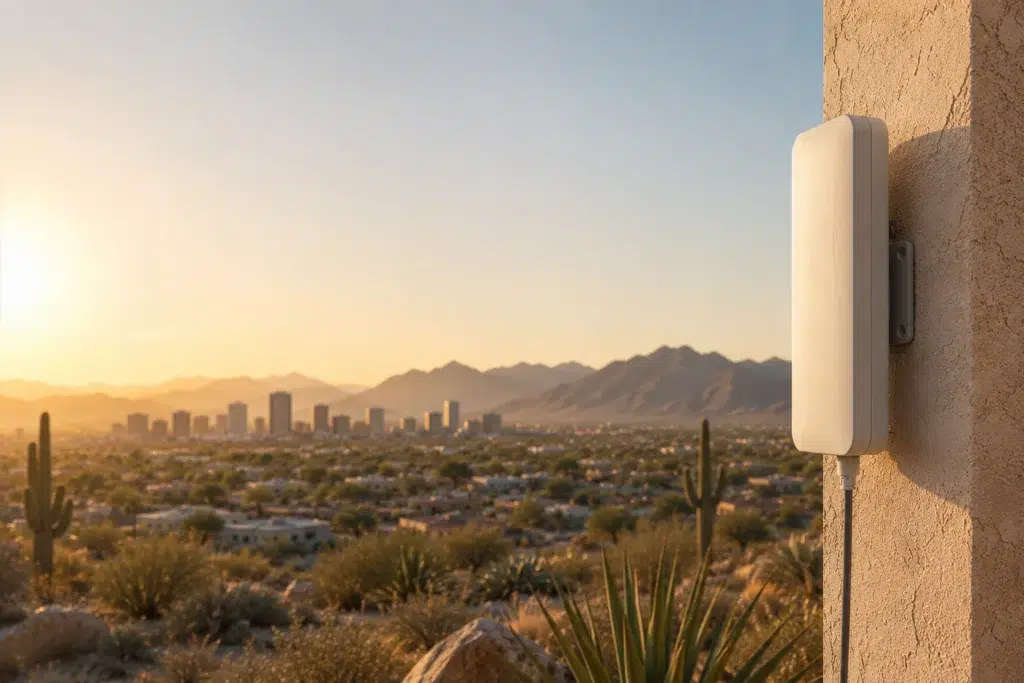
Outdoor wifi extreme heat problems show up every summer across Phoenix, and most businesses don’t see them coming until a rooftop access point simply stops responding. Attic and rooftop temperatures in the Valley regularly climb past 150°F during peak summer months. Standard network gear was never built to survive that.
This guide covers how Phoenix businesses spec equipment, cool their network closets, and protect outdoor access points so the network survives desert summers instead of failing every July.
Why Phoenix Heat Kills Network Equipment
Network equipment generates its own heat even in ideal conditions. Add Phoenix ambient temperatures on top of that, and components run far past their intended range.
Rooftop and Attic Extremes: Unventilated attic spaces and rooftop equipment enclosures routinely exceed 150°F during peak summer afternoons. That’s well beyond what most indoor-rated network hardware tolerates.
Cumulative Thermal Stress: Equipment doesn’t need to fail immediately to suffer damage. Repeated exposure to extreme heat shortens the lifespan of components even when the device keeps running for now.
Understanding Network Equipment Heat Ratings
Not all network gear is built the same. Network equipment heat rating specs tell you exactly what a device can handle before it’s out of its safe operating range.
Operating Temperature Specs: Most indoor UniFi access points are rated for operation up to around 104-113°F. Outdoor-rated models typically extend that range significantly higher, which matters a lot in a Phoenix summer.
Reading the Spec Sheet: Before mounting any equipment outdoors or in an unventilated space, check the manufacturer’s operating temperature range. A device rated for standard indoor use has no business on a Phoenix rooftop.
Outdoor Access Points Built for Desert Conditions
An outdoor access point desert deployment needs specifically requires more than a generic outdoor rating. Phoenix conditions push equipment harder than most outdoor-rated gear was tested for.
Passive Cooling Design: Look for outdoor access points with heat-dissipating housings and no moving fan parts to fail. Passive cooling designs tend to hold up better in sustained desert heat than active-cooled alternatives.
Shade and Mounting Placement: Direct sun exposure adds significant heat on top of ambient temperature. Mounting equipment in partial shade, even a few feet of overhang, meaningfully reduces thermal load.
IDF Closet Cooling for Phoenix Businesses
Your network closet matters just as much as any outdoor equipment. A poorly ventilated IDF closet in Phoenix can run hotter than the equipment inside was ever designed to handle.
Idf closet cooling starts with basic airflow. Many closets get treated as storage space and lose ventilation entirely once shelving or boxes block airflow around switches and routers.
Dedicated Cooling Options: A small dedicated mini-split or supplemental fan system keeps closet temperatures well below what a standard office HVAC vent can guarantee during a Phoenix heat wave.
Monitoring Closet Temperature: Simple temperature sensors alert you before equipment overheats, rather than after a switch has already failed during your busiest week.
Dust Filtration and Monsoon Surge Protection
Heat isn’t the only desert challenge. Phoenix businesses also deal with fine dust and seasonal monsoon storms, both of which affect network equipment differently.
Dust Filtration: Fine desert dust works into ventilation openings and can clog cooling fans over time. Enclosures with proper filtration or sealed designs keep dust from accumulating inside sensitive equipment.
Monsoon Surge Protection: Phoenix monsoon season brings sudden power surges from lightning strikes. Proper surge protection on both power and data lines protects outdoor access points from a single storm taking out your whole network.
How UniFi Nerds Helps Phoenix Businesses
We work with phoenix business wifi clients across the Valley who need equipment that actually survives the local climate, not gear specced for a mild-weather market elsewhere.
Our Process: We start with a site assessment that accounts for sun exposure, closet ventilation, and outdoor mounting locations. From there, we spec equipment rated to handle what Phoenix actually throws at it.
Our Phoenix UniFi installation team designs around desert conditions from day one. If your current network keeps failing every summer, our Phoenix UniFi support team can diagnose whether heat is the culprit. For more on outdoor deployments generally, our outdoor WiFi site survey guide covers the fundamentals.
Frequently Asked Questions About Outdoor WiFi in Extreme Heat
What temperature can standard UniFi equipment handle before it fails?
Indoor-rated access points typically operate safely up to around 104-113°F. Outdoor-rated models are built to handle significantly higher sustained temperatures.
Why does my rooftop access point fail every summer in Phoenix?
Rooftop temperatures often exceed 150°F in direct sun during peak summer. If the equipment isn’t outdoor-rated or properly shaded, repeated heat exposure eventually causes failure.
Does my IDF closet need dedicated cooling in Phoenix?
In many cases, yes. Standard office HVAC often can’t keep a closet full of running equipment cool enough during extreme summer heat, especially if airflow is already blocked by storage.
How does desert dust affect network equipment?
Fine dust works into vents and cooling fans over time, which reduces airflow and raises internal temperatures further. Filtered or sealed enclosures help prevent this buildup.
Do I need surge protection for outdoor access points during monsoon season?
Yes. Monsoon storms bring lightning-related power surges that can damage outdoor equipment without proper surge protection on power and data lines.
Final Thoughts on Outdoor WiFi in Extreme Heat
Outdoor wifi extreme heat challenges in Phoenix aren’t something a standard network installation accounts for. Proper equipment ratings, closet cooling, dust protection, and surge protection all need to be part of the design from the start, not an afterthought after the first summer failure.
If your network struggles every summer, that’s a sign the equipment was never spec’d for where it actually lives.
Ready for a Free Site Assessment in Phoenix?
We’ll evaluate your closet ventilation, outdoor mounting locations, and equipment ratings to build a network that actually survives desert summers.
Call: 833-469-6373 or 516-606-3774
Text: 516-606-3774 or 772-200-2600
Email: hello@unifinerds.com | Visit: unifinerds.com
Free consultations • Phased implementation • Budget-friendly • Expert support