
Law firm network installation in NYC comes down to one question your clients never ask out loud: is my information safe here? They assume it is. They hand over contracts, medical records, deal terms, and sometimes things they haven’t told anyone else. Your network carries all of it. So when a partner says “just make the WiFi work,” what they really mean is make it work without ever putting a client file at risk.
Manhattan has more law offices per block than almost anywhere. We’ve walked a lot of them, from three-attorney boutiques to full floors in Midtown and the Financial District. The needs are surprisingly consistent. This guide covers them in plain terms.
Client WiFi Should Never See a Matter File
Every firm offers guest WiFi. Clients wait in reception. Opposing counsel sits in your conference room for a deposition. Experts show up with their own laptops. All of them need internet, and none of them should be anywhere near your document management system.
That’s where segmentation comes in. We put guests on a completely separate network that only reaches the internet. Attorneys and staff sit on their own network, and file servers, printers, and phones get theirs too. Think of it as separate floors in a building with no stairwell between them. Our guide to network segmentation explains how it works, and our firewall and VLAN setup post shows the settings behind it.
Why Legal Office Network Security Is an Ethics Issue Too
Lawyers already know confidentiality isn’t optional. Professional conduct rules expect attorneys to take reasonable steps to protect client information, and that now includes the technology they use. A flat office network where anyone on the WiFi can see the file server is hard to call reasonable.
Good legal office network security covers a few basics. Strong WiFi encryption. Staff who sign in with their own credentials instead of one shared password. A firewall that blocks known threats. Logs that show what connected and when. None of this is exotic, but a lot of firms are missing at least one piece. We’re not your ethics counsel, of course. We just make sure the network isn’t the weak link.
Conference Rooms That Don’t Drop During a Deposition
Picture a remote deposition. The court reporter is dialed in, the witness is on video, and the screen freezes. Everyone waits. Billable time burns. It’s the kind of failure people remember.
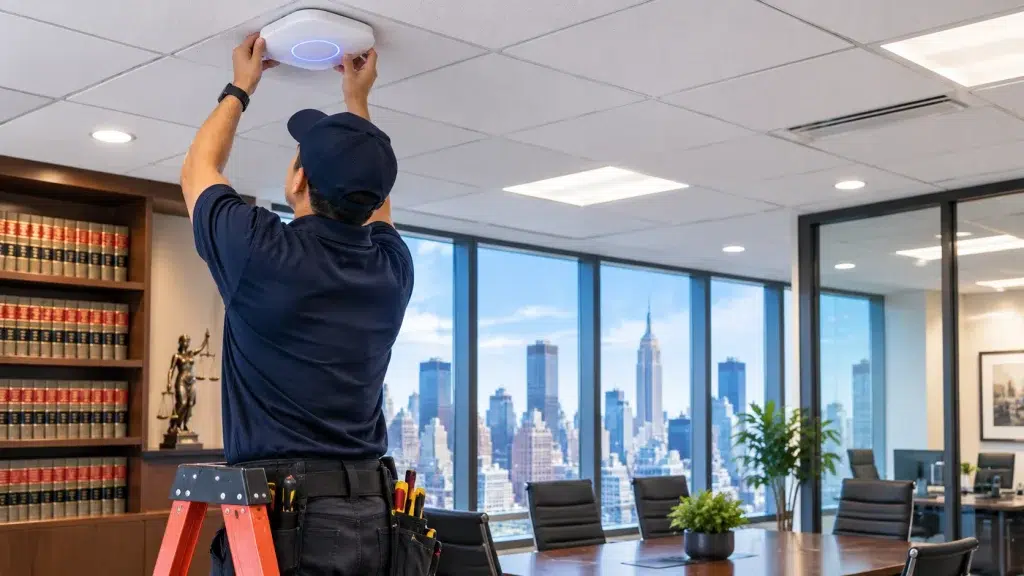
Conference rooms need more attention than the rest of the office. We often give the main conference room its own access point and a wired connection for the video system, so it doesn’t compete with the whole floor. Room displays and video bars also have to be set up so they work properly on the network. That’s a step AV vendors sometimes miss, as we explain in why AV installs fail on UniFi networks. A quick test before a big session never hurts either.
Uptime: The Internet Line Is Usually the Weak Spot
Most outages at law firms don’t start inside the office. They start with the internet provider. A cut line or a carrier problem takes down email, e-filing, and cloud practice management all at once. On a filing deadline, that’s a serious problem.
The fix is a second connection. UniFi gateways can switch to a backup line automatically, whether that’s a second fiber provider or a cellular backup. Your team keeps working, often without noticing anything happened. We also check which carriers actually serve your building, since many Manhattan towers limit your choices.
How a Law Firm Network Installation in NYC Actually Goes
It starts with a walk-through. We look at your space, your systems, and where people actually work. For most firms, a WiFi survey comes first, and our law firm WiFi survey post covers what we measure. Then we design the network and give you a clear proposal.
The install itself is quiet. Our crews are used to working around partners on calls and clients in the lobby. We schedule noisy work for evenings or weekends and keep it tidy. Nobody walks past a client with a ladder and a roll of cable. You can see our broader approach on our Manhattan network installation page.
Law Firm Network Installation NYC FAQs
Can clients use our WiFi safely?
Yes. Client and guest WiFi runs on its own network and reaches the internet only. It can’t see your files, printers, or staff devices.
How do you keep conference rooms reliable?
We often give the main conference room its own access point and a wired line for video equipment. That keeps depositions and client calls steady even when the rest of the floor is busy.
What happens if our internet goes down?
With a backup connection, the network switches over automatically. Email, e-filing, and cloud tools keep working while the main line is fixed.
Will the install disrupt our practice?
We schedule loud or messy work after hours and keep crews out of client areas during the day. Most firms barely notice we’re there.
Final Thoughts
Clients judge a firm on outcomes, but they also notice the small stuff. A smooth video call. Guest WiFi that just works. No awkward “sorry, our system is down.” Those moments add up to confidence. And behind them sits a network built with the same care you’d put into a brief. When law firm network installation in NYC is done that way, nobody thinks about the network at all, which is exactly how it should be.
Free Confidential Network Assessment
Running a law firm in Manhattan? We’ll review your network quietly and confidentially, then show you how to keep client data separate, conference rooms reliable and your firm online.
Call: 833-469-6373 or 516-606-3774
Text: 516-606-3774 or 772-200-2600
Email: hello@unifinerds.com | Visit: unifinerds.com
Free consultations • Phased implementation • Budget-friendly • Expert support