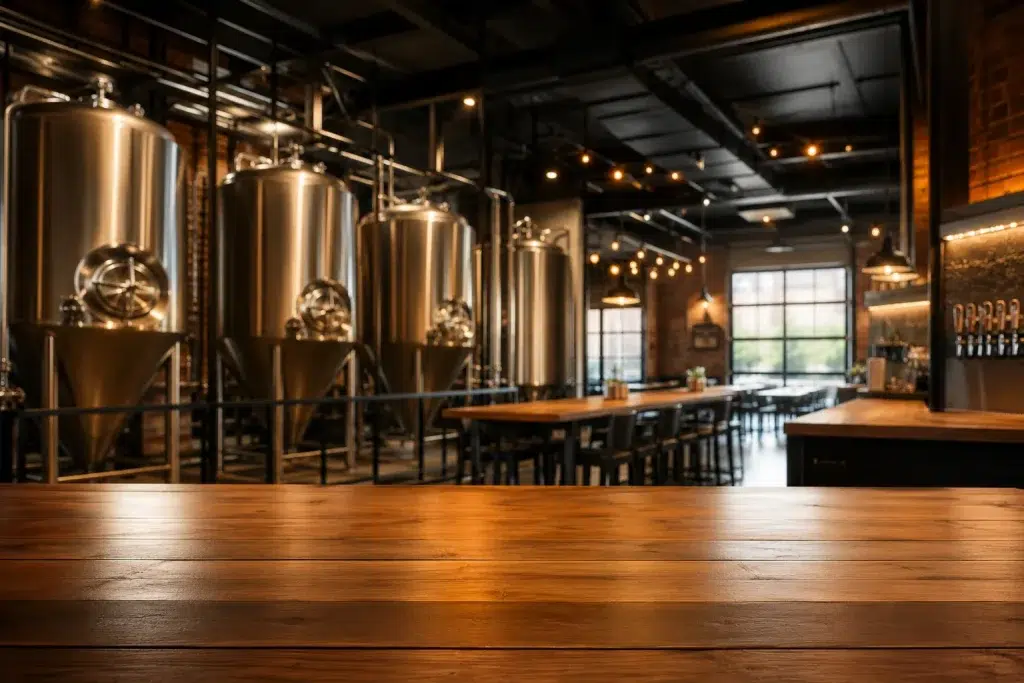
A real brewery wifi setup has to do more than let guests check their phones between pours. It runs your POS system,streams the music,powers your security cameras and hands out guest WiFi. Often, all of that runs on the same network that came with the building.
Portland’s craft scene runs on tight margins and small teams. Nobody has a full-time IT person on staff. This guide covers how breweries, cideries, and coffee roasters get all of that working reliably on one properly built network.
Why One Network Has to Handle Everything
A taproom isn’t a simple retail space. It’s a payment processor, an entertainment system, and a security operation. It’s also a guest hotspot. All of that runs at the same time on a Friday night.
Everything Competes for Bandwidth: A busy taproom runs POS transactions, streaming music, and forty guests on WiFi all at once. On an unsegmented network, all of that fights for the same limited bandwidth.
One Slow System Slows Everything Else: A single guest downloading a large file can slow down your card reader at the worst possible moment. That’s a network design problem, not a bad luck problem.
Taproom POS Network: Keeping Payments Reliable
A taproom pos network needs priority over everything else on the network. A dropped transaction during a busy pour costs you time and occasionally a frustrated customer.
Dedicated VLAN for POS: Payment terminals should sit on their own network segment, isolated from guest devices entirely. This also matters for basic card data security standards most POS providers require.
Quality of Service Priority: Configure your network to prioritize POS traffic over guest WiFi. That way transactions go through fast, even when the taproom is packed.
Guest WiFi Taproom Visitors Actually Use
Guest wifi taproom customers expect doesn’t need to be enterprise-grade. It does need to work, though, without becoming a security risk to the rest of your systems.
Fully Isolated Guest Network: Guest WiFi should never touch your POS system or security cameras. A separate VLAN keeps guest devices contained to internet access only.
A Simple, Branded Login: A clean guest portal with your brewery’s branding is an easy win. It’s a small touch that guests notice, and it takes little effort to set up on UniFi.
Brewery Security Cameras on the Same Network
Brewery security cameras cover more ground than most owners expect. That includes the taproom floor, the brewing area, and the loading dock. Often it includes an outdoor patio or beer garden too.
Consistent Bandwidth for Recording: Cameras need steady bandwidth that doesn’t compete with a packed Friday night crowd streaming video on guest WiFi. Proper segmentation keeps footage recording smoothly regardless of guest traffic.
Remote Monitoring: UniFi Protect lets owners check the taproom floor or brewing area from a phone. That matters a lot for small operations without staff on-site around the clock.
Restaurant WiFi Portland Breweries & Roasters Rely On
Restaurant wifi portland cideries and coffee roasters need shares the same fundamentals as a brewery taproom, even without the beer.
Coffee Roasters and Cideries: These spaces run the same mix of POS, guest access, and often cameras watching the production floor. The network design principles transfer directly.
Our restaurant WiFi survey guide and fast-casual restaurant network guide cover more food and beverage specific details.
How UniFi Nerds Helps Portland Taprooms
We work with breweries, cideries, and coffee roasters across Portland. They all need one network to reliably run POS, guest access, music, and cameras together.
Our Process: We start with a walkthrough of your taproom. We map out where POS terminals, cameras, and guest seating actually sit. From there, we design segmentation that keeps every system running independently.
Our Portland UniFi installation team handles the full build. If your current network is already struggling on a busy night, our Portland UniFi support team can audit and fix it.
Frequently Asked Questions About Brewery WiFi Setup
Can guest WiFi slow down my POS system?
Yes, on a network without segmentation. A dedicated VLAN and traffic prioritization for your POS system prevents guest traffic from ever slowing down transactions.
Do I need a separate network for security cameras?
It’s strongly recommended. Cameras need consistent bandwidth for recording. Keeping them on their own segment prevents guest traffic from affecting footage quality.
How many access points does a typical taproom need?
It depends on square footage and whether you have an outdoor patio or beer garden. Most single-room taprooms need two to four access points for solid coverage.
Can I add a branded guest WiFi login for my brewery?
Yes. UniFi supports a customizable guest portal. It can include your brand’s logo and colors, along with a simple login flow for guests.
Does this network setup work for coffee roasters and cideries too?
Yes. The same POS, guest access, and camera segmentation applies to any food and beverage business running a similar mix of systems.
Final Thoughts on Brewery WiFi Setup in Portland
A solid brewery wifi setup keeps your POS, guest access, music, and cameras all running smoothly on the same network. No single system slows down the others. That takes real segmentation, not just more access points.
If your taproom’s WiFi struggles every busy Friday night, that’s a sign. Your network needs a real design, not another router.
Ready for a Free Taproom Network Assessment in Portland?
We’ll walk your space, map out your POS, cameras, and guest seating, and design a network where nothing slows anything else down, even on your busiest night.
Call: 833-469-6373 or 516-606-3774
Text: 516-606-3774 or 772-200-2600
Email: hello@unifinerds.com | Visit: unifinerds.com
Free consultations • Phased implementation • Budget-friendly • Expert support