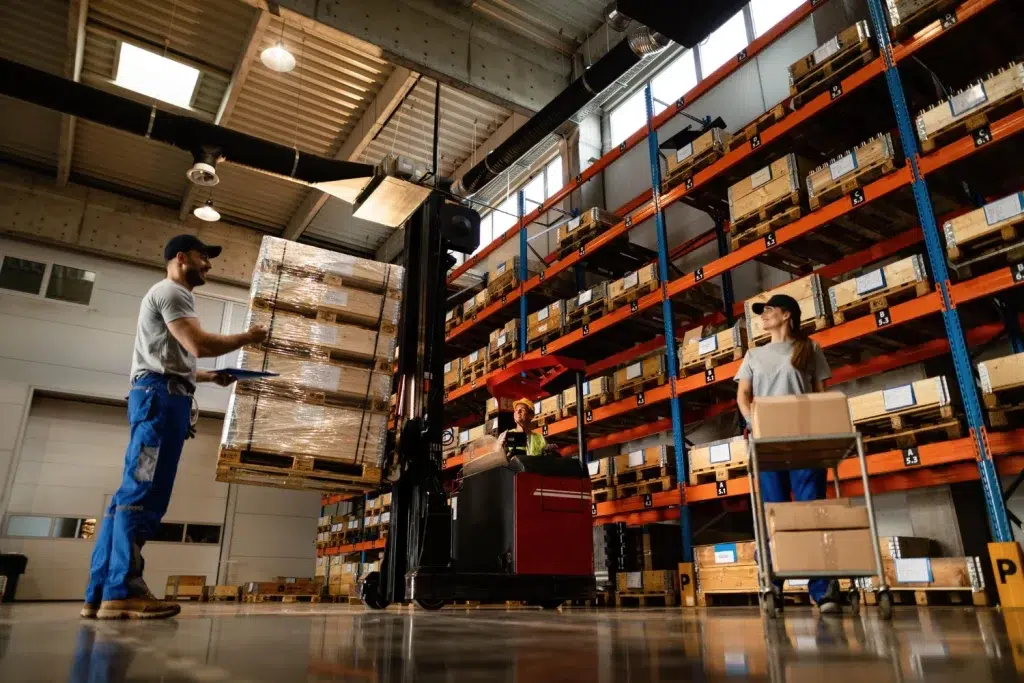
8 Reasons Your Warehouse Needs a Professional WiFi Site Survey
Warehouse WiFi rarely fails in a clean, obvious way. Instead, it fails in the worst possible moments: pickers lose scanner connectivity at the end of an aisle, forklifts drop sessions while roaming, voice picking stutters, and inventory updates lag behind real movement. If you’re dealing with these issues, a warehouse wifi site survey is usually the fastest path to a stable fix. In addition, a professional wifi assessment and warehouse wireless audit can reveal problems that a “more access points” approach will never solve. A proper rf site survey warehouse process is not just about signal strength—it’s about coverage, capacity, roaming, interference, and real workflow performance.
Target audience: warehouse managers, operations leaders, IT managers, and logistics teams responsible for uptime across scanners, tablets, VoIP/voice picking, forklifts, cameras, and IoT devices in distribution centers and industrial facilities.
What a professional warehouse WiFi site survey actually includes
Before we get into the reasons, it helps to define what “professional” means. A real warehouse survey is not a quick walk-through with a phone app. Therefore, it typically includes multiple layers of analysis.
- Predictive planning: modeling coverage based on layout, racking, ceiling height, and materials.
- Passive survey: measuring existing RF conditions and interference without generating test traffic.
- Active survey: testing performance (throughput, latency, packet loss) while moving through real workflows.
- Roaming validation: testing how devices behave when moving between access points.
- Recommendations: AP placement, channel plan, power tuning, cabling needs, and configuration guidance.
Expert Insight: Warehouses are RF “moving targets.” Racking changes, inventory levels change, and seasonal volume changes. A professional survey creates a design that still works when the building is full, not just when it’s empty.
Reason #1: Warehouses have unique RF obstacles that break “office WiFi” designs
Warehouses are not open spaces. They are long RF tunnels with metal, forklifts, shrink wrap, and constantly changing inventory. Therefore, you can have “good signal” and still have poor performance.
Common warehouse RF challenges
- Metal racking that reflects and blocks signals
- High ceilings that encourage bad AP placement (too high, too far apart)
- Long aisles that create coverage gaps and roaming issues
- Freezers and temperature-controlled zones that impact equipment choices
- Dense inventory that changes RF absorption week to week
Real-world scenario: A warehouse adds more APs to fix dead zones. The dead zones improve, but scanners now disconnect more often. The root cause is co-channel interference from too many APs on the same channels.
Reason #2: “More access points” often makes warehouse WiFi worse
Adding APs without a plan can increase interference and reduce performance. However, this mistake is common because it feels like a quick fix. Therefore, a warehouse wireless audit is critical before expanding.
Why overbuilding happens
- People chase signal bars instead of performance metrics
- APs are installed where it’s easy to mount, not where workflows occur
- Channel planning is skipped, so APs fight each other
- Transmit power is left at defaults, causing roaming instability
Common Mistakes: The “signal strength trap”
Many teams assume stronger signal equals better WiFi. In warehouses, performance is often limited by interference, roaming behavior, and airtime congestion—not raw signal. Therefore, adding APs without an RF plan can reduce reliability.
Reason #3: Your scanners and handhelds behave differently than laptops
Warehouse devices are often lower power, have smaller antennas, and roam more aggressively. Therefore, a design that works for office laptops can fail for scanners and voice devices.
Devices that need warehouse-grade validation
- Barcode scanners and handhelds
- Tablets on carts
- Voice picking headsets
- Forklift-mounted terminals
- IoT sensors and industrial controllers
Real-world scenario: A warehouse has “fast WiFi” near the office, but scanners drop in the back aisles. The AP placement was optimized for open areas, not for the scanner roaming path through racking.
Tips: What to bring into a professional WiFi assessment
- Test with the actual scanners and voice devices your team uses daily.
- Test while moving, not while standing still.
- Test during normal operating hours to capture real interference and congestion.
Reason #4: Roaming problems cause “random disconnects” that are hard to troubleshoot
In a warehouse, devices move constantly. Therefore, roaming performance can matter more than peak speed. A professional rf site survey warehouse process includes roaming validation and configuration recommendations.
Symptoms of roaming issues
- Disconnects at aisle ends or cross-aisle intersections
- Devices “sticking” to a far AP (sticky client behavior)
- Voice picking dropouts while walking
- Forklift terminals losing sessions when turning corners
What a survey helps tune
- AP placement for predictable handoffs
- Transmit power balancing (so clients roam at the right time)
- Channel plan to reduce co-channel interference
- Minimum data rates and band steering strategies (environment-dependent)
Expert Insight: Many “WiFi disconnect” tickets are actually roaming failures. If the network is not designed for movement paths, devices will hold onto weak connections too long and then drop at the worst time.
Reason #5: Interference sources in warehouses are easy to miss
Warehouses often contain interference sources that don’t exist in offices. Therefore, a warehouse wireless audit should include spectrum awareness and environmental observation.
Common interference sources
- Nearby businesses with strong WiFi signals
- Industrial equipment and motors
- Wireless cameras and consumer-grade extenders
- Bluetooth devices and handheld peripherals
- Temporary hotspots used by staff or vendors
Real-world scenario: A warehouse experiences slowdowns every afternoon. The cause is not the ISP—it’s a neighboring tenant’s network that becomes busy at shift change, raising noise floor and reducing usable airtime.
Reason #6: Capacity planning matters more than speed tests
Speed tests are easy to run, but they don’t represent warehouse reality. Therefore, a professional wifi assessment focuses on capacity and reliability under load.
Capacity questions a survey answers
- How many devices are active per zone during peak operations?
- Which applications are latency-sensitive (voice, WMS transactions)?
- Where do devices cluster (shipping, receiving, staging)?
- Do we need directional coverage down aisles vs wide-area coverage?
In addition, warehouses often have “hot zones” that need more design attention than the rest of the building.
Reason #7: A site survey reduces expensive rework during expansions and layout changes
Warehouses change. Racking moves. New lines get added. Shipping zones expand. Therefore, a survey-driven design gives you a blueprint you can scale without guessing.
What you get from a survey that helps long-term
- Documented AP placement plan tied to workflows
- Recommended cabling locations and switch/PoE needs
- Channel and power strategy that can be replicated
- Baseline performance metrics for future troubleshooting
Real-world scenario: A facility adds new racking and suddenly the WiFi “dies” in one zone. The original install had no documentation, so troubleshooting becomes trial-and-error. A survey report makes the fix faster and cheaper.
Tips: How to make your warehouse WiFi design future-proof
- Plan AP locations with spare cabling capacity for future adds.
- Document racking heights and aisle widths in the design notes.
- Re-validate after major layout changes or new equipment installs.
Reason #8: A professional survey supports security and segmentation best practices
Warehouse networks often include guest access, corporate devices, scanners, cameras, and IoT. Therefore, segmentation and security planning should be part of the WiFi design conversation.
Security and reliability improvements a survey can support
- Separate networks for scanners/WMS devices vs guest WiFi
- Better visibility into what devices are on the network
- Reduced risk of “shadow IT” access points and hotspots
- More predictable performance by isolating traffic types
Common Mistakes: Treating warehouse WiFi like a single flat network
When everything shares one network, troubleshooting gets harder and security risk increases. In addition, performance issues spread across the entire facility. Segmentation and clear policies help keep operations stable.
Best practices: what to expect from a professional RF site survey warehouse deliverable
If you’re paying for a survey, you should receive actionable outputs—not just screenshots. Therefore, ask for deliverables that help you implement and maintain the design.
- Coverage and performance findings tied to real workflows
- AP placement plan (including mounting height guidance)
- Channel and power recommendations
- Roaming validation notes and tuning suggestions
- Cabling and PoE requirements for AP locations
- Prioritized remediation plan (what to fix first for biggest impact)
Industry standards and guidance (high-level, practical)
WiFi design is a standards-based discipline. In addition, professional surveys align with widely accepted wireless principles and best practices.
- IEEE 802.11: the core WiFi standard family that governs how WiFi operates.
- RF planning principles: channel reuse, noise floor awareness, and airtime efficiency.
- Structured cabling standards (ANSI/TIA): reliable cabling and labeling for AP drops.
FAQ: warehouse WiFi site survey
What is a warehouse WiFi site survey?
A warehouse WiFi site survey is a structured assessment of RF conditions and WiFi performance in a warehouse environment. It typically includes predictive planning, passive/active testing, and recommendations for AP placement and configuration.
How is an RF site survey warehouse different from an office survey?
Warehouses have metal racking, long aisles, higher ceilings, and moving devices. Therefore, the survey must focus on aisle coverage, roaming, and interference patterns that are less common in offices.
Can I fix warehouse WiFi without a professional WiFi assessment?
Sometimes you can improve things with basic changes. However, warehouses often have multiple overlapping issues (interference, roaming, placement, capacity). A professional assessment reduces guesswork and prevents expensive rework.
When should I schedule a warehouse wireless audit?
Schedule it before a new install, before a major expansion, or when you have recurring disconnects, dead zones, or performance drops during peak operations.
What should I do before the survey to get better results?
Gather a facility layout, note racking heights and aisle widths, list device types (scanners, voice, forklifts), and identify peak usage times. Then test during real operating conditions.
Conclusion: warehouse WiFi is an operations system, not a convenience feature
In a warehouse, WiFi is part of the production line. When it fails, picks slow down, shipments get delayed, and labor costs rise. A warehouse wifi site survey gives you a reliable plan based on real RF conditions, device behavior, and workflow needs. In addition, a professional wifi assessment and warehouse wireless audit reduce guesswork and help you build a network that stays stable as the warehouse changes.
Need Warehouse WiFi That Stays Stable During Peak Operations?
We’ll run a professional RF site survey, validate roaming and performance, and deliver a practical plan for AP placement, cabling, and configuration—so your scanners and workflows stay online.
Call: 833-469-6373 or 516-606-3774
Text: 516-606-3774 or 772-200-2600
Email: hello@unifinerds.com | Visit: unifinerds.com
Free consultations • Phased implementation • Budget-friendly • Expert support