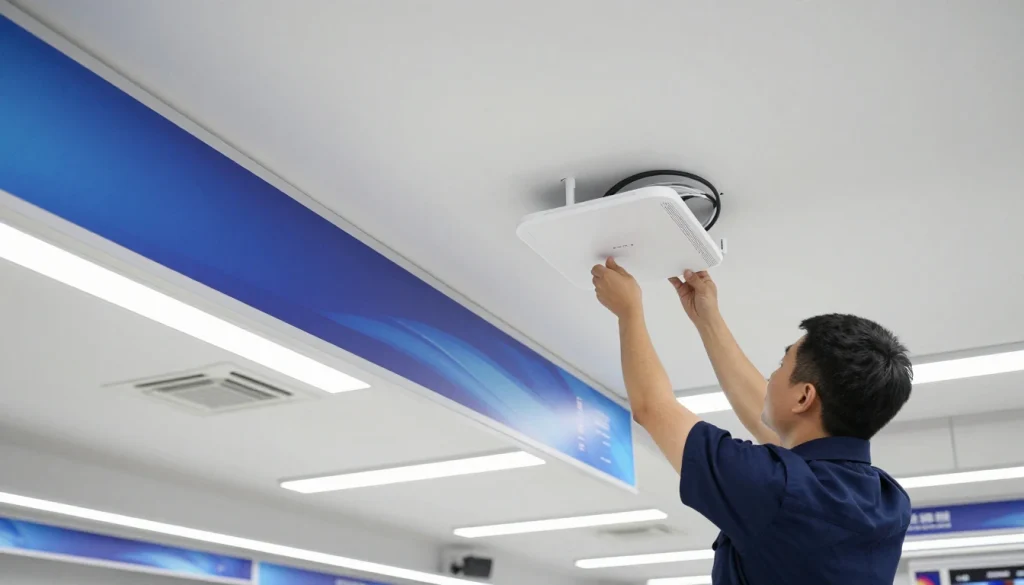
Retail Store WiFi Design: Reliable POS + Guest WiFi + Cameras
If your store WiFi drops for even 30 seconds, it can feel like the whole business stops. POS transactions fail, staff scramble to hotspot phones, and customers get frustrated. Meanwhile, guest WiFi complaints pile up, and security cameras start buffering or going offline at the worst time. A reliable retail wifi installation is not just “adding an access point.” It is a structured store wifi setup that separates traffic, protects wifi for pos systems, runs a stable guest wifi captive portal, and stays consistent across sites for multi location retail wifi.
This guide explains a practical, beginner-to-intermediate approach to retail WiFi design that reduces downtime and makes troubleshooting easier.
What makes retail WiFi different from office WiFi?
Retail networks have a unique mix of requirements. They need speed, but they also need stability, predictable roaming, and clean segmentation.
Retail-specific challenges
-
- POS is business-critical: even short interruptions can cause lost sales.
- Guest traffic is unpredictable: customers bring noisy devices and heavy usage patterns.
- Cameras are always-on: they need stable uplinks and consistent PoE power.
- RF is messy: neighboring stores, malls, and signage create interference.
- Stores are busy: testing after-hours can hide real performance problems.
Expert Insight: In retail, the goal is not “fastest speed test.” The goal is consistent uptime for POS, predictable roaming for staff devices, and stable camera recording. A design that is slightly slower but consistent will outperform a design that is fast only in ideal conditions.
Retail WiFi installation blueprint: the 3-network model that works
A strong retail wifi installation usually starts with segmentation. You separate business-critical systems from guest traffic and from IoT devices like cameras.
Recommended network segments (VLANs or separate networks)
- POS / Business: POS terminals, back-office PCs, inventory systems
- Guest WiFi: customer internet access only
- Cameras / IoT: surveillance cameras, NVR, smart displays, TVs, signage
This structure reduces risk and improves performance. Therefore, a guest streaming video does not compete directly with POS traffic, and a compromised IoT device cannot easily reach business systems.
WiFi for POS systems: design rules that prevent checkout failures
WiFi for POS systems should be treated like a critical application. Even if the POS vendor says “it works on WiFi,” you still need to design for stability and low disruption.
Best practices for POS WiFi reliability
- Prefer wired when possible: fixed POS terminals are usually best on Ethernet.
- Use a dedicated POS network: isolate POS from guest and IoT traffic.
- Design for roaming if handheld: validate roaming paths for mobile POS or tablets.
- Keep RF clean near checkout: avoid placing APs too far away or behind obstructions.
- Plan for peak hours: test during real load, not only after closing.
Real-world scenario: A convenience store has “good signal” at the register, but card transactions fail randomly. The root cause is not signal strength. It is channel contention from guest devices and neighboring networks. After separating guest traffic and adjusting channel planning, transaction stability improves immediately.
Tips: Quick wins to stabilize POS over WiFi
- Keep POS on its own SSID/VLAN and block guest-to-POS access completely.
- Validate roaming with active traffic if staff uses tablets or handheld POS.
- Use a survey-driven channel plan in shopping centers where neighbors are loud.
Guest WiFi captive portal: keep it simple and keep it isolated
A guest wifi captive portal can improve customer experience, but it can also create support issues if it is overly complex. In addition, guest WiFi must be isolated so it cannot reach internal systems.
Guest WiFi design goals
- Internet-only access: block access to POS, cameras, printers, and internal subnets.
- Simple login: avoid complicated steps that create staff support requests.
- Fair usage controls: optional bandwidth limits to prevent one device from dominating.
- Clear branding: a clean portal page that matches the store brand.
Where guest WiFi usually goes wrong
- Guest network shares the same SSID or VLAN as business devices.
- Portal settings break common device types or create “stuck login” loops.
- No limits exist, so streaming and downloads crush airtime.
Common Mistakes: Guest WiFi that creates POS and support problems
Putting guest and POS on the same network. This increases risk and creates performance collisions during peak hours.
Overbuilding the captive portal. The more complex the flow, the more devices fail to connect and the more staff gets pulled into “WiFi support.”
No isolation rules. Guests should never be able to see printers, cameras, or back-office systems.
Cameras and surveillance: why WiFi is risky and cabling matters
Security cameras are often the first thing blamed when footage is missing. However, the root cause is usually power, cabling, or uplink design. If cameras are wired, they need stable PoE and clean cabling. If cameras are wireless, they need strong signal and low interference, which is harder in retail.
Best practices for reliable camera performance
- Prefer wired cameras: wired is more stable and easier to support.
- Use a dedicated camera/IoT network: isolate cameras from POS and guest.
- Plan PoE budgets: ensure switches can power all cameras reliably.
- Protect uplinks: camera traffic can be constant and heavy, so uplinks must be sized correctly.
- Document ports: a port map saves hours during outages.
Real-world scenario: A small supermarket has cameras dropping at random. The issue is not the NVR. It is a marginal PoE switch and untested cable terminations. After replacing the switch and certifying the runs, camera stability returns.
Expert Insight: If you must run wireless cameras, treat them like a special case. Validate signal and performance at the camera location during business hours. Also, avoid placing them in RF-noisy areas like near digital signage, metal shelving, or dense customer zones.
Store WiFi setup: access point placement and RF planning that works
A good store wifi setup starts with a simple idea: place APs where users and devices actually are, not where cabling is easiest. Therefore, surveying and validation matter.
AP placement best practices
- Cover checkout lanes and customer service desks as priority zones.
- Plan coverage for stockrooms and receiving areas where scanners are used.
- Avoid “one AP in the back covers the whole store” assumptions.
- Mount APs with clear line-of-sight where possible, not behind signage or metal.
- Validate roaming paths for staff devices moving between front and back areas.
Channel planning and interference control
- Use a channel plan, especially in malls and shopping centers.
- Right-size channel width for the environment to reduce contention.
- Control transmit power to avoid oversized cells and sticky clients.
- Keep SSID count low to reduce airtime overhead.
Multi location retail WiFi: standardize so every store is supportable
Multi location retail wifi fails when each store becomes a “custom snowflake.” The fix is standardization. In addition, standardization makes onboarding new stores faster and reduces downtime.
What to standardize across locations
- VLAN names and numbering (POS, Guest, Cameras/IoT, Corporate)
- SSID names and which VLAN they map to
- Firewall rules (guest isolation, IoT restrictions, POS protections)
- Switch port profiles (AP uplink, camera, POS, workstation)
- Documentation format (device list, port map, AP placement notes)
Operational best practices for multi-branch environments
- Use a consistent change process and maintenance windows.
- Keep a simple “store network checklist” for troubleshooting.
- Validate new stores with the same test plan every time.
Best practices checklist: reliable retail WiFi without downtime
- Segment POS, guest, and cameras into separate networks.
- Prefer wired for fixed POS and cameras when possible.
- Design AP placement around checkout, stockroom, and receiving workflows.
- Use a channel plan and validate during business hours.
- Keep guest captive portal simple and fully isolated.
- Document everything: port maps, AP locations, VLANs, and SSIDs.
Industry standards and guidance to reference
- IEEE 802.11: WiFi behavior, roaming fundamentals, and client compatibility
- ANSI/TIA cabling standards: structured cabling practices for reliable wired uplinks and PoE
- Security best practices: segmentation and least-privilege access for business networks
FAQ: retail WiFi installation, POS, guest WiFi, and cameras
What is the best retail WiFi installation setup for POS reliability?
The best retail wifi installation for POS uses segmentation, stable uplinks, and priority coverage at checkout. Fixed POS should be wired when possible. If POS is wireless, validate performance during peak hours and keep it isolated from guest traffic.
Should guest WiFi be on the same network as store devices?
No. Guest WiFi should be isolated on its own VLAN with internet-only access. This reduces risk and prevents guest traffic from impacting POS and internal systems.
Do security cameras need their own network?
Yes, in most cases. Cameras should be on a dedicated IoT/camera network so they do not mix with POS or guest devices. This also makes troubleshooting and access control easier.
Why does store WiFi work after hours but fail during peak times?
During peak times, channel utilization and contention increase. Neighbor networks and customer devices compete for airtime. Therefore, a proper channel plan, right-sized cells, and segmentation are critical.
How do I manage multi location retail WiFi without constant issues?
Standardize VLANs, SSIDs, firewall rules, and port profiles across every store. Then validate each store with the same test plan and keep documentation consistent.
Conclusion: retail WiFi works when you design for uptime, not just coverage
Reliable retail WiFi is built around business priorities. Protect POS first, isolate guest WiFi, and keep cameras stable with strong PoE and uplinks. Then validate performance during real business hours and document the design so it is supportable. When you standardize the approach, multi location retail wifi becomes easier to manage and far less stressful.
If your stores are dealing with POS drops, guest complaints, or camera instability, the fix is usually a clearer design and better validation, not just “more access points.”
Want Retail WiFi That Keeps POS Online and Cameras Recording?
We’ll design a retail WiFi plan with proper segmentation, reliable guest access, and stable camera connectivity—so your stores stay online during peak hours.
Call: 833-469-6373 or 516-606-3774
Text: 516-606-3774 or 772-200-2600
Email: hello@unifinerds.com | Visit: unifinerds.com
Free consultations • Phased implementation • Budget-friendly • Expert support