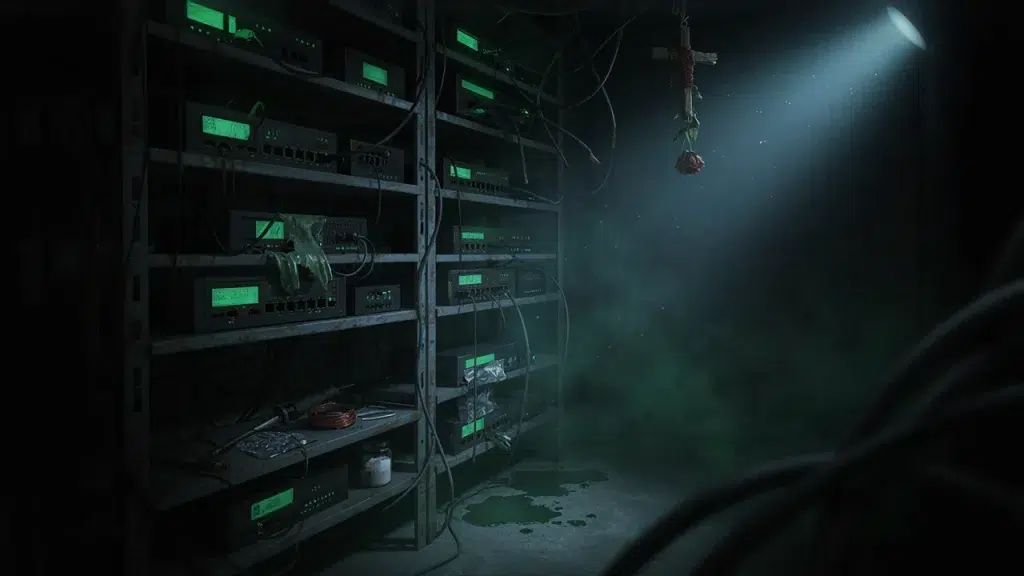
Every network tech has a closet that still haunts them. You open the door expecting a tidy rack, and instead a tangle of cables spills out like something clawing its way free. Welcome to the season of network wiring nightmares — the real ones we’ve walked into over the years, and the exorcisms it took to fix them.
So grab a flashlight. These stories are equal parts funny and cautionary, and every one of them ends with a lesson worth remembering before you sign off on a cheap install.
The Haunted Wiring Closet
Our most-haunted closet award goes to an office where a decade of “quick fixes” had piled up into pure chaos. Hundreds of cables, none labeled, half of them plugged into nothing at all.
The Scene: Picture a rat’s nest the size of a beach ball, with a switch buried somewhere in the middle. Because nobody could trace a single run, every small change turned into an afternoon of guesswork.
The Lesson: Bad cable management horror stories almost always start the same way — nobody labeled anything. Our cabling mistakes video walks through the errors that create closets like this in the first place.
Attack of the Zombie Devices
Here’s the one that isn’t just funny — it’s a genuine security lesson. We ran a scan for a client and found dozens of devices nobody could account for, quietly sitting on the network.
The Scene: Old printers, a forgotten smart TV, a personal router someone plugged in years ago. These rogue devices on network segments hummed along undead, eating bandwidth and opening doors nobody was watching.
The Lesson: A zombie device is a real threat, not a joke. Because an unknown device is an unlocked door, our network security guide explains exactly how weak WiFi lets them in.
The Cursed DIY Job
Some of the scariest jobs we inherit were done with the best intentions. A business owner watched a few videos, bought some cable, and gave it a go. Then it all went sideways.
The Scene: Staples driven straight through the cable jacket, runs bundled next to fluorescent lights, and connectors crimped just wrong enough to fail intermittently. As a result, the network worked on Mondays and died on Thursdays for no obvious reason.
The Lesson: DIY network mistakes usually cost more to fix than a proper job would have cost up front. Our professional vs DIY guide lays out where the line really is.
The Phantom Disconnect
This one drove a whole office mad for months. The WiFi dropped at random, always at the worst moment, and nobody could reproduce it on demand.
The Scene: After days of hunting, we traced it to a single cable pinched behind a door frame. Every time the door slammed, the connection flickered. It was a ghost, and it had a perfectly physical cause.
The Lesson: Intermittent problems are the hardest to catch, and they almost always come from a cabling shortcut. Our guide to fixing badly-run cabling covers how we hunt these down.
The Frankenstein Network
Sometimes a network isn’t haunted — it’s stitched together from parts that were never meant to work as one. That’s the Frankenstein special.
The Scene: Three different brands of router, a consumer switch daisy-chained off another consumer switch, and a range extender feeding a range extender. Naturally, the whole thing lurched along at a fraction of the speed the business was paying for.
The Lesson: A patchwork network built from mismatched gear creates security gaps too. Our office WiFi vulnerabilities guide covers the risks hiding in a cobbled-together setup.
How We Perform the Exorcism
Every horror story above has the same happy ending: a clean, documented network that just works. Here’s how we get there.
Assess, Then Rebuild: First, we map what’s actually there, hunt down the zombie devices, and trace every run. Then we rebuild the closet clean, label everything, and put the whole network on one platform you can actually manage.
Documented and Tested: When we’re done, there are no more mystery cables and no more phantom disconnects. Because everything’s labeled and tested, the next tech who opens that closet won’t need a flashlight and a prayer.
Frequently Asked Questions About Network Nightmares
Are messy wiring closets actually a real problem?
Very much so. Beyond looking terrible, an untraceable closet makes every repair slower and every change riskier, which quietly costs a business real money over time.
What exactly is a “zombie device” on my network?
It’s any device connected to your network that nobody actively manages — an old printer, a forgotten camera, a rogue router. Because no one’s watching it, it becomes a security risk.
Can you fix a bad DIY cabling job, or does it all need replacing?
Often we can salvage the good runs and redo the problem ones. However, some jobs are safer and cheaper to rebuild cleanly, and a quick assessment tells us which.
Why does my WiFi drop at random with no clear cause?
Intermittent drops usually trace to a physical issue — a pinched cable, interference, or a failing connector. So the fix starts with tracking down that hidden cause.
How do I know if my network needs a professional look?
If you’ve got a mystery closet, random disconnects, or devices you can’t identify, it’s worth an assessment. A free consultation is a painless way to find out what’s lurking.
Don’t Let Your Network Become the Next Horror Story
Every one of these nightmares was preventable. Behind the cobwebs and the zombie devices, the real villain is always the same — a shortcut somebody took to save a little money up front, then paid for many times over.
So if opening your wiring closet fills you with dread, don’t wait for it to fail on the busiest day of the year. A little daylight now beats a full haunting later.
Get a Free Exorcism (a.k.a. Network Assessment)
We’ll open the haunted closet, hunt down the zombie devices, and hand you a clean, documented network plan — no cobwebs, no mystery cables, no dread.
Call: 833-469-6373 or 516-606-3774
Text: 516-606-3774 or 772-200-2600
Email: hello@unifinerds.com | Visit: unifinerds.com
Free consultations • Phased implementation • Budget-friendly • Expert support